> For the complete documentation index, see [llms.txt](https://docs.20lab.app/llms.txt). Markdown versions of documentation pages are available by appending `.md` to page URLs; this page is available as [Markdown](https://docs.20lab.app/solana-features/metadata.md).
# Metadata
Features available in Metadata section in 20lab token generator for SPL tokens.
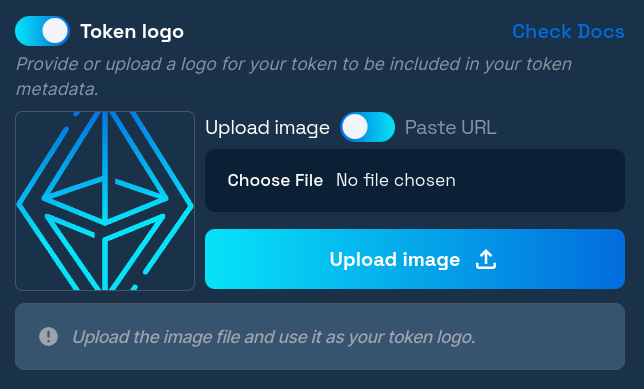
### Token logo
Your metadata can contain extensive information about your token, with the token logo being one of the most important visual elements. You can easily add a logo using our generator, and both the uploaded image file and all metadata are securely stored on IPFS where they cannot be removed.
#### IPFS Storage Benefits
* **Permanent storage**: Your logo and metadata cannot be deleted or lost
* **Decentralized hosting**: No single point of failure
* **Cost efficiency**: Saves on Solana fees by storing data off-chain
* **Global accessibility**: Available worldwide through IPFS network
#### Technical Requirements
* **Maximum size**: 1 MB
* **Supported formats**: PNG, JPG, or WEBP
* **Recommended format**: Square image (1:1 aspect ratio)
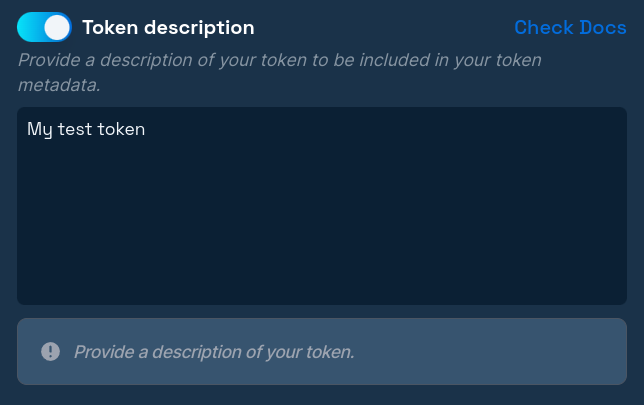
### Token description
The description field allows you to provide detailed information about your token and project. This text appears in wallets, explorers, and other platforms that display token information.
#### What to Include
* **Project purpose**: Clearly explain what your token does
* **Use cases**: Describe how people can use your token
* **Unique features**: Highlight what makes your project special
* **Community information**: Include relevant community details
* **Utility explanation**: Explain the token's role in your ecosystem
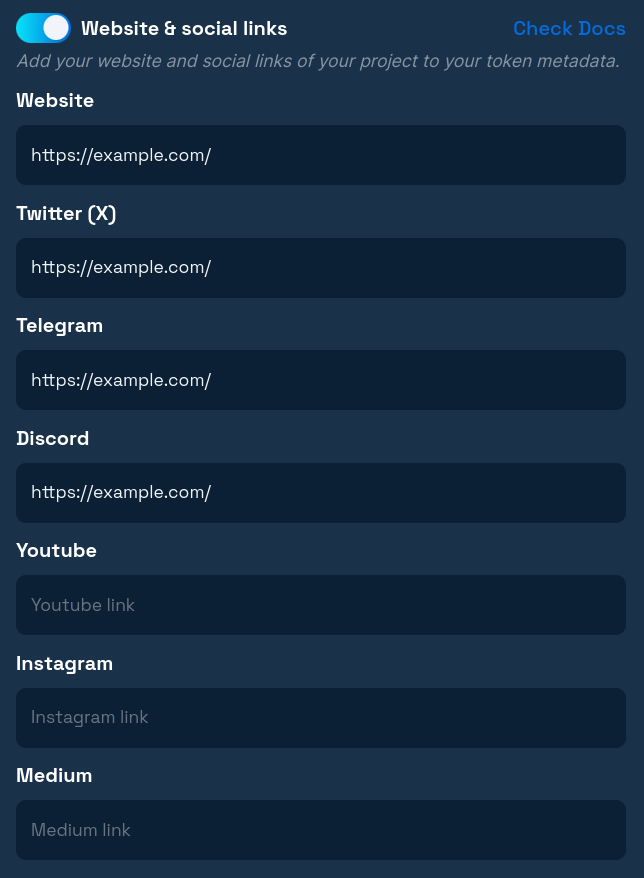
### Website & Social links
Add important links to your project that will be publicly included in the metadata file. These links help users find more information about your project and connect with your community.
#### Essential Links to Consider
* **Official website**: Your main project website or landing page
* **Documentation**: Links to technical docs or whitepapers
* **Social media**: Twitter, Discord, Telegram, or other community platforms
* **GitHub repository**: For open-source projects or technical transparency
* **Medium/Blog**: For project updates and announcements
### Immutable metadata
In the 20lab generator, the metadata update authority is assigned to your deployer address by default. This allows you to correct mistakes or update information later through the token owner dashboard. However, if you're confident everything is correct, you can revoke the metadata update authority by setting it as immutable from the start.
{% hint style="warning" %}
**Important:** We recommend that you revoke the metadata update authority when everything is ready, because the metadata in SPL tokens also controls the name and symbol of your token!
{% endhint %}